 Seamfold
Carousel guides
These guides answer the questions people ask before they build a swipe post: how to split a panorama, which size to export, why the profile grid cuts a cover and how to plan a feed without an account. Each one gives the answer first, then the steps and numbers behind it.
Coming soon to iPhone
Start here
New to panorama carousels? Read how to make a seamless carousel first, then the guides on splitting a panorama and carousel sizes.
How are the guides grouped?
- Making the carousel: the seamless method, splitting a panorama, taking a panorama and the manual image-editor route.
- Sizes and cropping: carousel size, the 3:4 grid cover, puzzle feeds and why a carousel looks blurry.
- Content ideas: covers, last slides, captions, alt text, travel sets, photo dumps and collages.
- Posting and planning: slide counts, reordering, music, story teasers, feed layouts and a planner without an account.
Which guide answers my problem?
If your seams drift after posting, read why a carousel looks blurry and the one on carousel size. If the first slide looks wrong on your profile, read the 3:4 grid cover guide. If you are stuck on ideas, start with cover ideas or travel photo carousel ideas.
Do the guides need the app?
No. The methods work with any editor that has a canvas and guides, and the image-editor guide shows the manual route. Seamfold is mentioned where it automates a step, such as equal widths or the fold check.
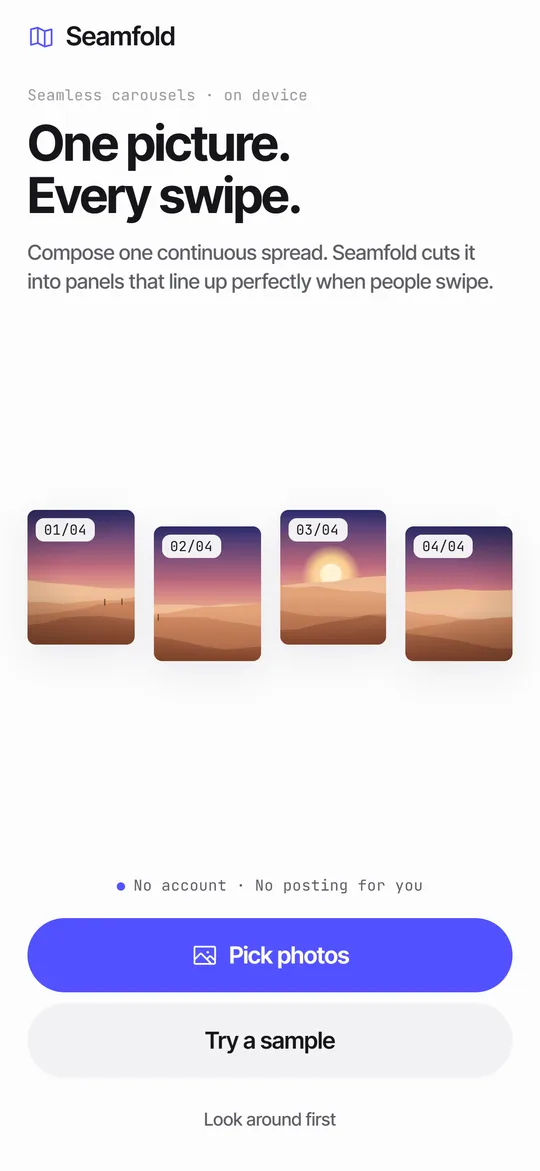 How to Split a Panorama for a Carousel, With SizesPanel counts, pixel widths and the steps to cut a panorama into a carousel.How to Take a Panorama on iPhone, Wide or VerticalPano mode steps, vertical panoramas, fixes for wavy results and how to use the photo in a carousel.Photo Dump Ideas for Social Media, With Order and LayoutWhat to put in a photo dump, how many slides, the order that works and a panorama twist.Story Teaser Ideas to Announce a CarouselThree teaser layouts, wording, timing and a quick way to build the card on iPhone.Text Across Carousel SlidesSafe margins, type sizes and a fold check for text that runs across carousel slides.The 3What the 3:4 grid crops from 4:5 and square covers, and how to keep titles inside.Travel Photo Carousel Ideas for Social MediaEight travel carousel formats with slide plans, a panorama opener and caption tips.What to Put on the Last Slide of a CarouselIdeas for the final slide of guides, photo sets and panoramas, plus layout and wording tips.Why Is My Carousel Blurry? Causes and FixesFour causes of blurry carousel slides and a quick fix for each.
Frequently asked questions
How many slides can a carousel have?
The social app allows up to 20 slides in a carousel. The guide on slide counts explains how many work well for a panorama.
Do I need Seamfold to follow these guides?
No. Each guide gives the method first and mentions the app only where it saves a step.
Where do I start if I have a panorama and no plan?
Read how to make a seamless carousel, then the guide to splitting a panorama and the one on carousel sizes.
Are the social app details current?
Guides use the social app help pages and public reports as of October 2026. The app changes often, so confirm a setting in the social app if it does not match.
Keep exploring
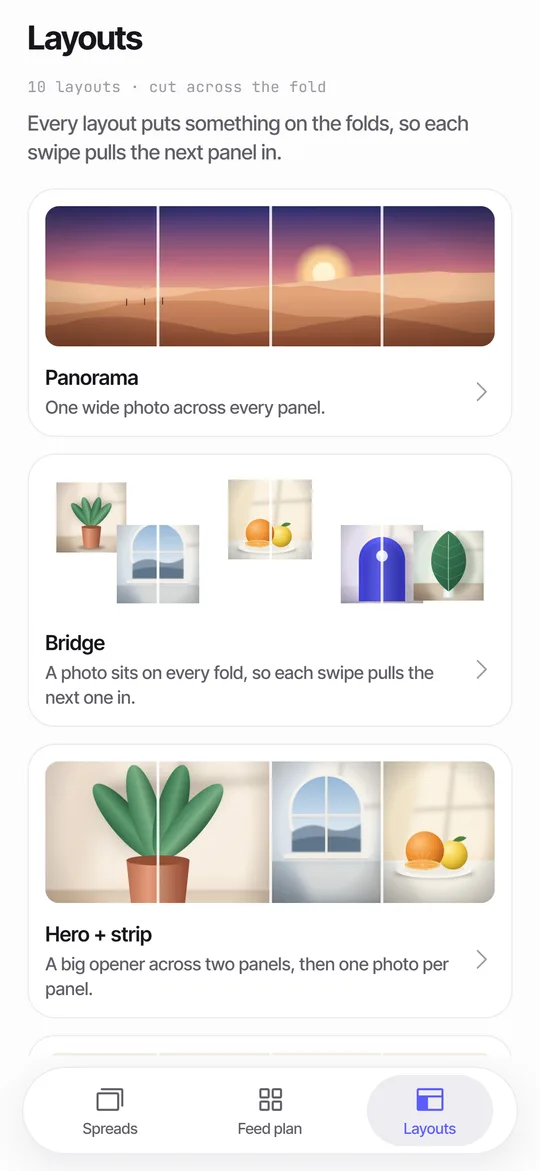 Panorama Splitter for Social Carousels on iPhoneCut a panorama into 2 to 20 panels, or build a spread from several photos with 10 layouts.How to Make a Seamless Carousel on iPhoneFive steps from one wide picture to a swipe post whose panels line up.Seamfold SupportAnswers on posting order, purchases, languages and data.