 Seamfold
What Seamfold does for your carousel
Seamfold covers the steps between a wide photo and a finished swipe post. It cuts the spread into panels, warns you about text on a fold and a cropped cover, lets you swipe a preview, saves the panels in order, and helps you announce and plan the post. Each feature has its own page.
Coming soon to iPhone
The tools, in the order you use them
A carousel goes from picture to post in five moves. Compose the spread, check it, preview the swipe, save the panels, then announce and plan. The cards below follow that order.
What is free and what needs Pro?
Free covers unlimited spreads, all three ratios, 2 to 4 panels, 6 of the 10 layouts, the seam, cover and swipe checks, the teaser card and an 18-tile feed plan, with a small mark on the last panel of free exports. Pro adds up to 20 panels, all 10 layouts, no mark on panels, teaser cards without the footer and an unlimited feed plan.
Which feature should I read about first?
Start with the panorama splitter if you have one wide picture. Read the seam check if you want text on your panels, and the cover check if your profile grid matters to you. The swipe test, the teaser card and the feed plan cover the steps around the post.
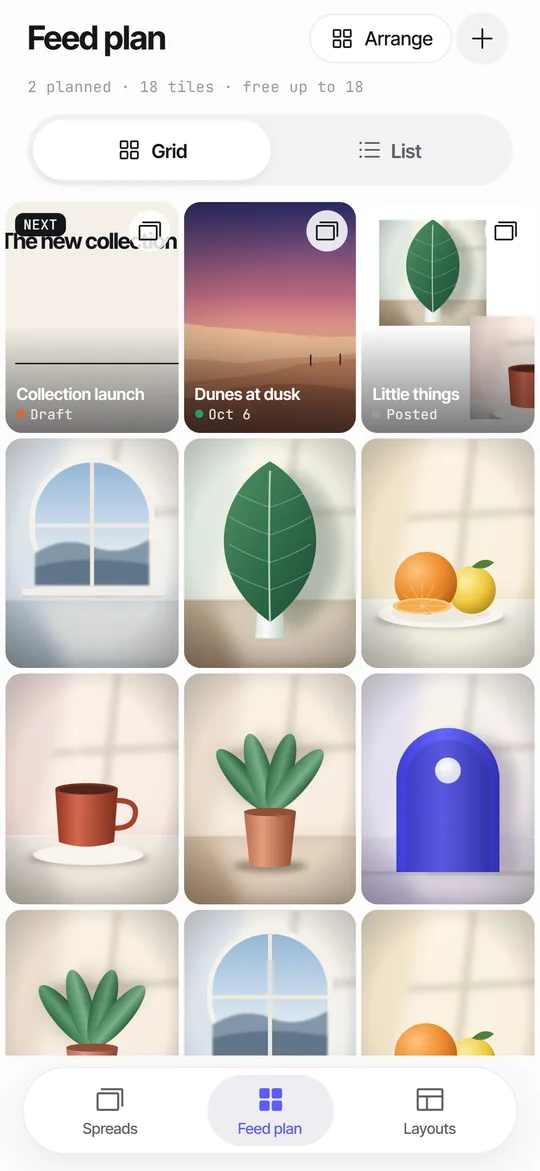 Feed Planner That Stays on Your iPhoneA local 3-column grid of planned covers and posted photos, with dates, status and captions.
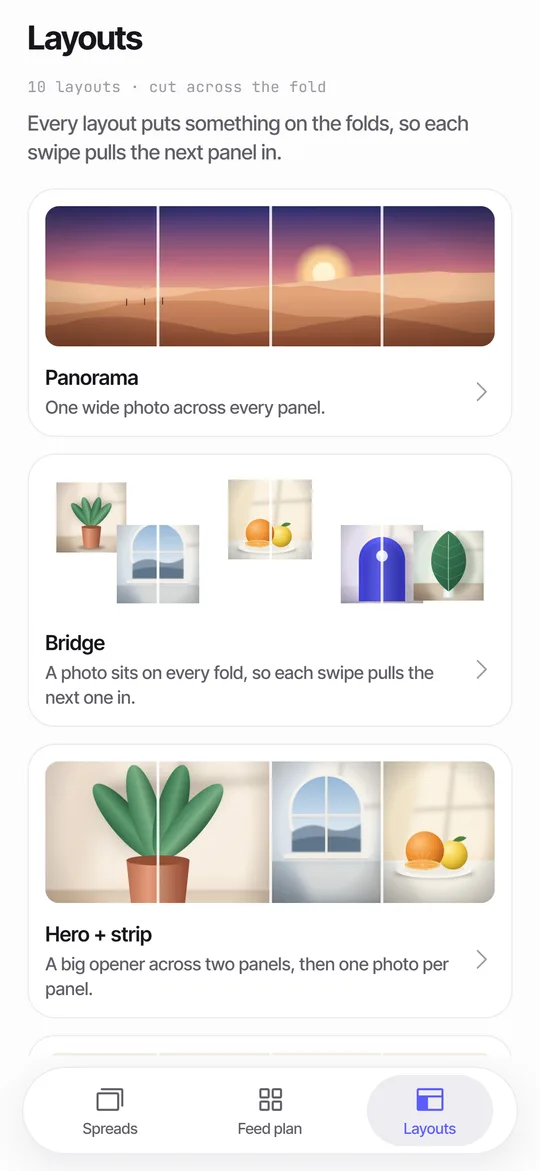 Panorama Splitter for Social Carousels on iPhoneCut a panorama into 2 to 20 panels, or build a spread from several photos with 10 layouts.
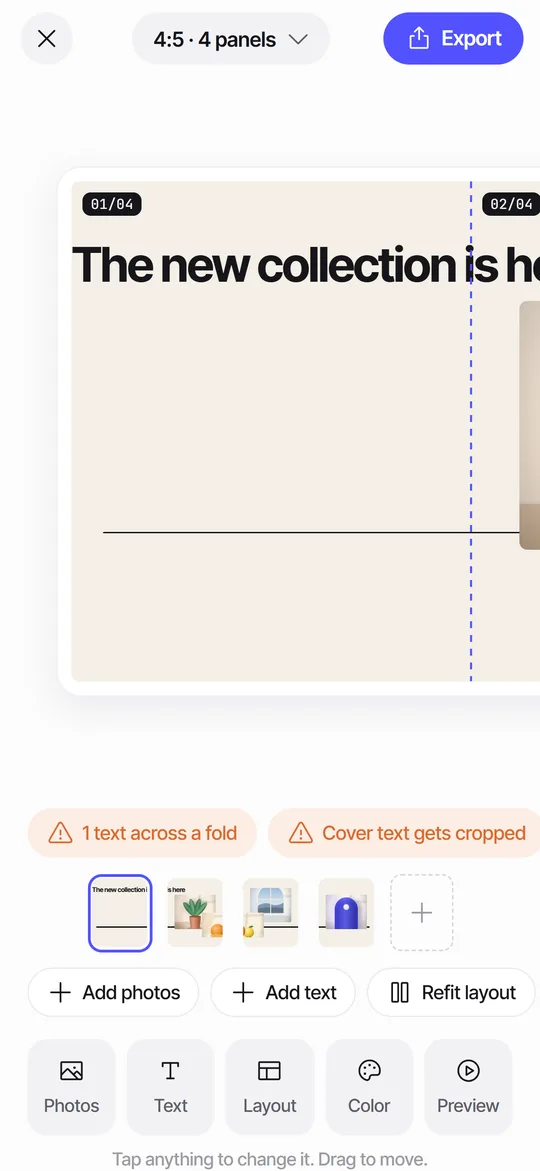 Seam CheckFinds text cut by a fold between panels and moves it for you.
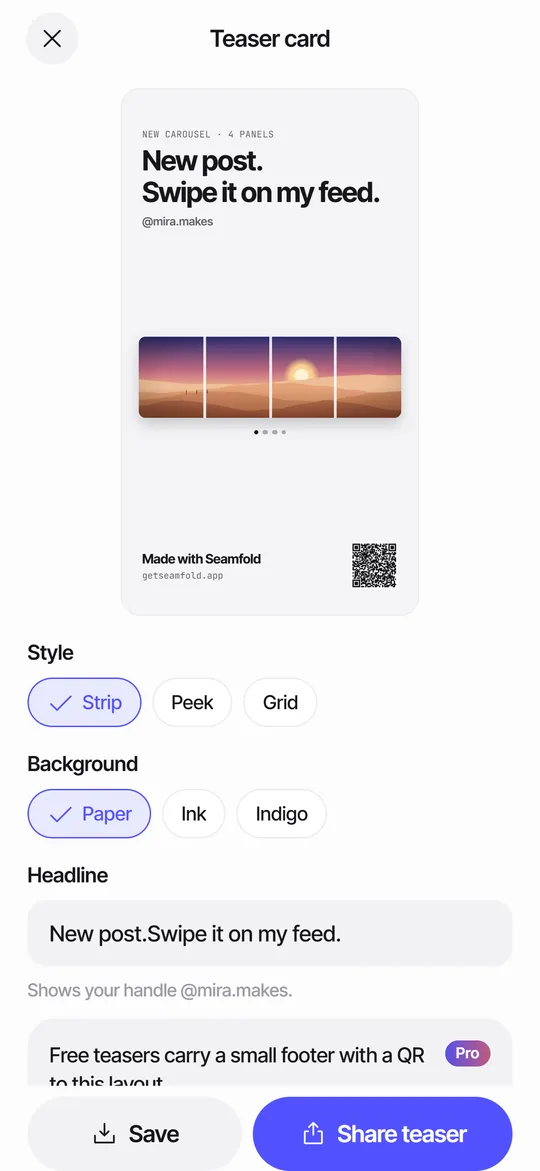 Story Teaser Card for Carousel PostsA 9:16 story card with the full spread, a headline and a QR code to the layout.
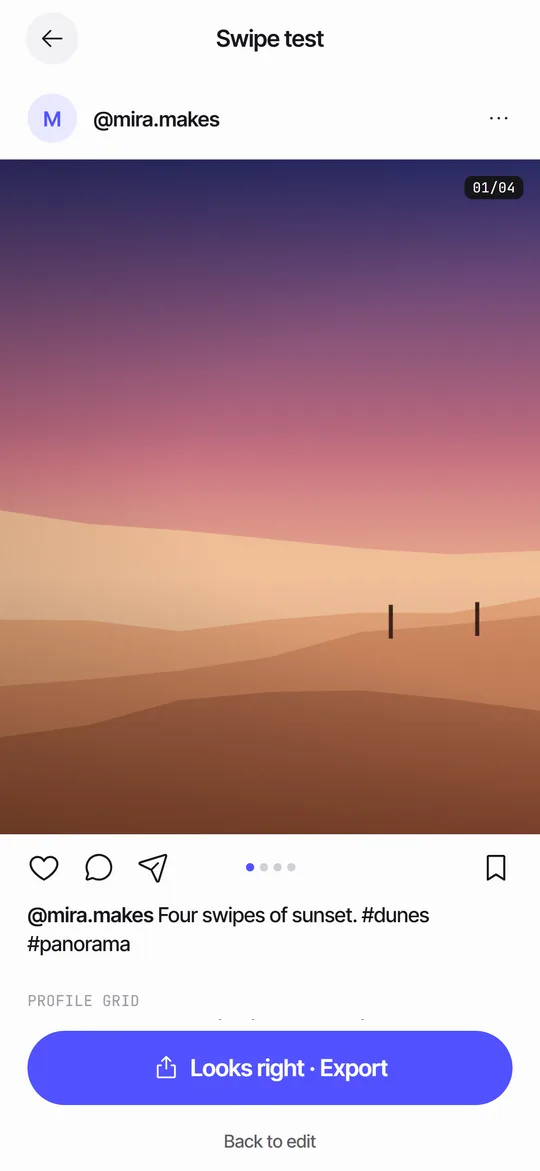 Swipe TestPage through your panels in a post frame and see the cover in a 3:4 grid.
Frequently asked questions
Does Seamfold post to social media?
No. It saves panels to Photos and you publish them yourself from the post composer.
Do the features work offline?
Yes. Editing, the checks and the swipe test run on the phone. The only network use is the purchase check.
Can I use my own text?
Yes. You can add text to the spread, and the seam check warns you when a word sits on a fold.
Keep exploring
Panorama Splitter for Social Carousels on iPhoneCut a panorama into 2 to 20 panels, or build a spread from several photos with 10 layouts.Seam CheckFinds text cut by a fold between panels and moves it for you.3Shows what the 3:4 profile grid crops from your first panel.Seamfold GuidesGuides on seamless carousels, sizes, the 3:4 grid and feed planning.