 Seamfold
How to split a panorama for a carousel
To split a panorama for social media, divide its width into equal panels and crop each one to the same ratio, usually 4:5. A panorama should be about 1080 px wide per panel, so 4 panels need roughly 4,320 px. Save the panels in order and select them 1 to last when you post.
Coming soon to iPhone
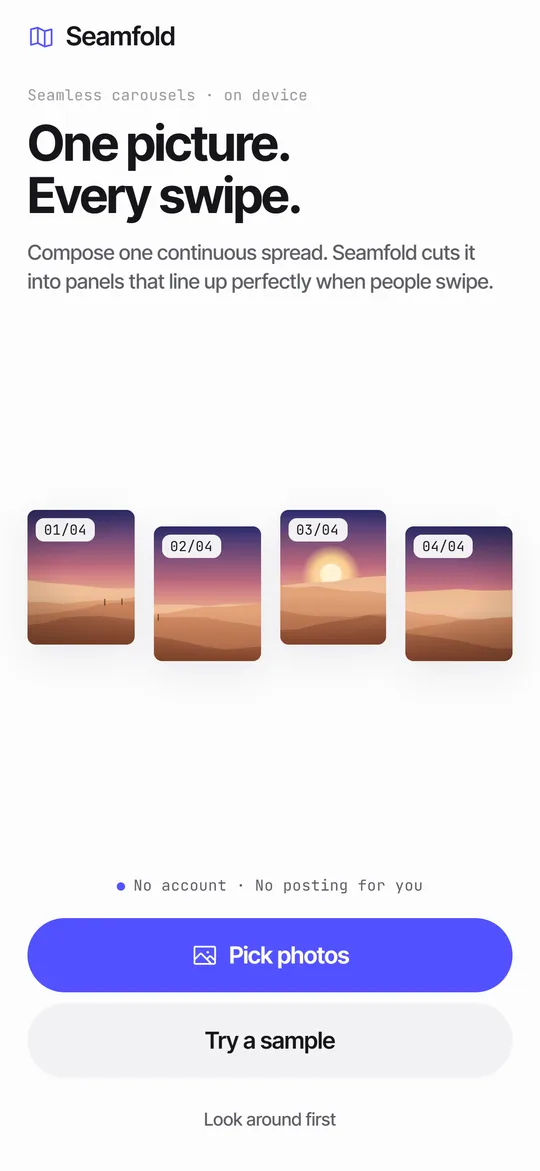
What counts as a panorama for this?
Panoramic photography captures images with horizontally elongated fields of view (Wikipedia). For a carousel, any photo that is clearly wider than a single panel is a candidate. A phone panorama, a wide crop from a camera or a landscape shot all work if the width allows enough panels.
How do you take a panorama that splits well?
Shoot it wide and level, and plan the number of panels before you press the shutter. The Camera app on iPhone has a Pano mode, and its output is long and narrow, so it often supports several panels. Hold the phone upright, move at a steady pace and keep the horizon on the guide line.
A panorama made by stitching several frames together is an old technique, described on Wikipedia as image stitching. Stitched shots can show small joins, so check the sky and any straight lines such as railings before you cut, because a cut will draw the eye to them.
How many panels can my photo support?
Divide the width of the photo in pixels by 1080. The result is the number of panels you can cut without upscaling. Round down.
| Photo width | Panels at 1080 px each | Note |
|---|---|---|
| 2,160 px | 2 | Fine for a simple two-panel reveal |
| 3,240 px | 3 | Common for a wide phone shot |
| 4,320 px | 4 | Sharp 4-panel carousel |
| 6,480 px | 6 | Needs a high-resolution source |
| Under 1,080 px | 1 | Not wide enough to split |
A worked example with a phone panorama
Take a panorama that is 9000 x 2500 px. Its ratio is 3.6. For 4:5 panels you multiply by 1.25 and get 4.5, so the photo fills about 4 to 5 panels without a gap above or below. At 4 panels each slice is 1080 px in the post and about 2,000 px wide in the source, so the result is sharp.
Now take the same photo as a 3:4 carousel. The panel is taller (1,440 px), so the photo now fills 3.6 x 1.33 = 4.8 panels. At 4 panels you drop about a sixth of the width, so decide which end you can spare before you commit.
A shorter photo shows the limit. A 3000 x 2000 px shot has a ratio of 1.5, so at 4:5 it fills only 1.9 panels. You can make 2 panels, and anything more means upscaling or a bar of background.
What ratio should the panels have?
The panel height comes from the ratio you pick. A 4:5 panel is 1080 x 1350 px, a 3:4 panel is 1080 x 1440 px and a square is 1080 x 1080 px. The ratio of an image is its width divided by its height (Wikipedia: Aspect ratio). A 4-panel 4:5 spread is 4,320 x 1,350 px, which is a 3.2:1 strip.
If your panorama is wider than that, crop the top and bottom, or add a bar of background above and below. If it is taller, crop the sides before you cut.
Should you crop the top and bottom first?
Only if the panorama is taller than the strip you need. A 4-panel 4:5 strip is 3.2 times wider than it is tall, so a photo with a ratio of 3.2 fits exactly. A photo with a smaller ratio, such as 2.4, is too tall, and Seamfold scales it to the width and lets you slide it up or down inside the frame to choose the part that shows.
A photo with a ratio of 4.5 fills about 5.6 panels of 4:5. With four panels you lose the edges, and with six you keep nearly everything. Six is the better choice when something important sits at both ends, but check that the source still has about 1080 px for each panel.
How do you split it, step by step?
In Seamfold, picking one wide photo opens the editor with the spread already cut, and a pure panorama is cropped from the original file to keep full resolution. See the panorama splitter.
- Open the panorama in the editor and choose the ratio.
- Set the panel count from the table above, or let the app propose it from the photo shape.
- Slide the photo inside the frame until the horizon sits where you want it in every panel.
- Check for text or faces that sit exactly on a fold.
- Save all panels in order.
- In the post composer, select panel 1, then the others up to the last.
What if the photo is too narrow?
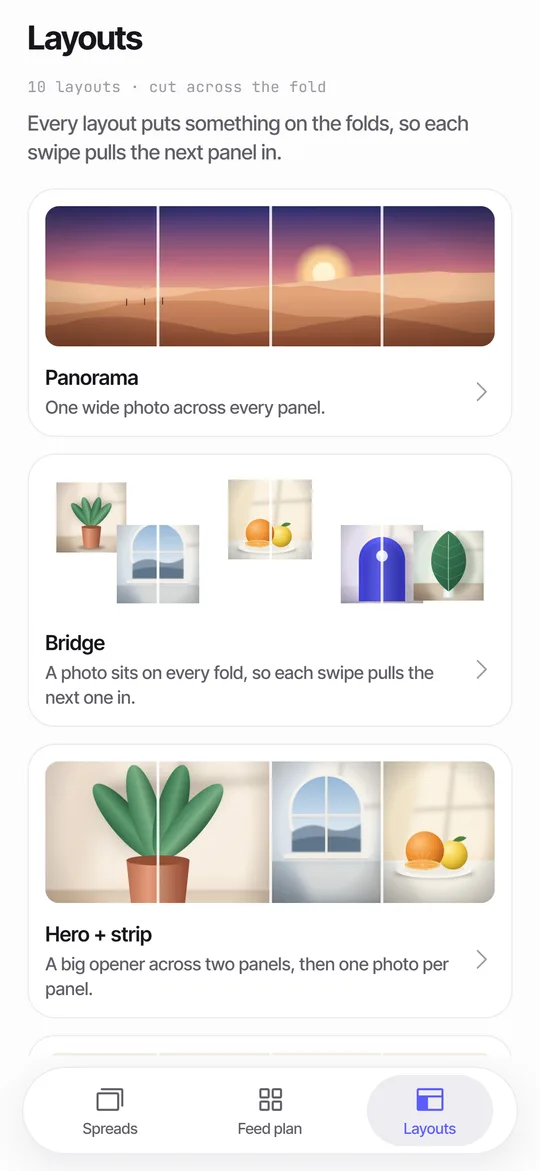
You have three options. Use fewer panels, accept a softer image, or switch to a spread built from several photos. In a spread, a photo sits on every fold so each swipe pulls the next one in, and no single photo needs to be huge. The seamless carousel guide explains the layout idea.
Which panoramas split well?
A panorama splits best when the scene has something to do in every panel. A shoreline with a boat on the left, a pier in the middle and a sunset on the right gives each swipe a reward. A long blank wall does not.
Level horizons matter more than in a single photo. A tilted horizon that looks fine as one image looks wrong when each panel starts at a different height. Straighten the photo before you cut.
Where should the folds fall?
Put the folds in empty space and put your subjects in the middle of a panel. Faces, signs and the main object look best when a fold does not pass through them. With four panels there are three folds, at 25, 50 and 75 percent of the width, so shift the photo until none of them crosses a person.
If a fold has to cut something, choose something that survives it, such as a horizon, a wall or water. The brain fills in a straight line across a cut, but not half a face.
What about vertical or tall panoramas?
Carousels swipe sideways, so a tall image does not split the same way. You can still place a tall subject across two panels, but the cut runs through the subject. For a tall scene, a spread of several photos usually works better than one long image.
A quick checklist
- Photo width divided by 1080 gives the panel count.
- Horizon straight and the subject away from the folds.
- Same ratio and size for every panel.
- Panels saved in order, 1 first.
- Composer left at the exported ratio.
How do you avoid visible seams?
Cut on exact whole-pixel boundaries and give each panel the same width. A single pixel of difference becomes a hairline in the swipe. Do not let the composer re-crop: keep it at the exported ratio and skip pinch gestures. Anything that scales one panel but not its neighbor moves the seam.
Also check the first panel against the profile grid. The grid shows a 3:4 tile, so edges of panel 1 may be trimmed. The cover guide shows by how much.
Does the social app reduce the quality?
The social app resizes anything wider than 1080 px and compresses uploads again, so a very large source does not stay large. That is why exporting at 1080 px per panel is enough. Extra width helps only when it lets you cut more panels at that size.
Which file format should the panels have?
PNG is the safe choice. It is a format with lossless compression (Wikipedia: PNG), so the panels reach the social app as clean as you cut them. A JPEG at high quality works too, but each save discards a little detail (lossy compression), and a seam can pick up a faint block pattern.
Seamfold exports PNG panels at 1080 px wide. File size is larger than JPEG, which matters only if you share the files over a slow connection.
Frequently asked questions
How wide should a panorama be for a 4-panel carousel?
About 4,320 px, which is 4 panels at 1080 px each. A smaller photo works but looks softer.
What is the best panel ratio for a panorama carousel?
4:5 (1080 x 1350) is the common choice for the feed. Use 3:4 (1080 x 1440) if you want the grid tile to show the full first panel.
Can I split a panorama for free on iPhone?
Yes, several apps do it. Seamfold's free plan splits into 2 to 4 panels. It is in development, so check the support page for release news.
Why is there a gap between my split panels?
The crops were not on equal whole-pixel widths, or the composer re-cropped the images after you selected them.
How do I know how many panels my panorama will make?
Divide its width by its height and multiply by 1.25 for 4:5, 1.33 for 3:4 or 1 for a square. Round to the nearest whole number. A 9000 x 2500 px photo gives about 4 to 5 panels at 4:5.
Should I save the split panorama as PNG or JPEG?
PNG keeps every pixel, so the seams stay clean. High-quality JPEG is fine if file size matters, but avoid saving it more than once.
Keep exploring
 Panorama Splitter for Social Carousels on iPhoneCut a panorama into 2 to 20 panels, or build a spread from several photos with 10 layouts.Carousel SizeSizes for 4:5, 3:4 and square carousel panels, slide limits and how to choose.How to Make a Seamless Carousel on iPhoneFive steps from one wide picture to a swipe post whose panels line up.3Shows what the 3:4 profile grid crops from your first panel.Grid Splitter vs Carousel SplitterWhat each tool does, sizes, posting order, and which one fits a panorama, a banner or a puzzle.