 Seamfold
How to write a carousel caption
A carousel has one caption for all its slides, with a limit of 2,200 characters. Put the hook in the first line, because feeds cut the text after a short preview. Say what the swipe delivers, add context the slides lack, finish with one clear ask and keep hashtags to a short line at the end.
Coming soon to iPhone
What is the caption limit for a carousel?
2,200 characters, the same as any post. Spaces, line breaks and emoji all count. The social app shows a counter as you approach the limit, and the caption draft in Seamfold's feed plan shows a counter against 2,200 characters too, along with a hashtag count and a Copy caption button. Few carousels need more than a few hundred characters. A long caption is for a story or a how-to that cannot fit on the slides.
Is there one caption for each slide?
No. A carousel has a single caption that sits under the whole post. Each slide can have its own alt text, and in some versions of the app people can add a different comment under each slide, but the caption itself is shared. That matters for how you write it. The caption should work for someone who has not swiped yet, and also for someone who has seen everything.
How should the first line read?
The preview in the feed is short. Most phones show roughly the first line or two before a more link, so the opening has to say something that makes people tap or swipe. State the topic or the payoff, not a greeting. A line such as "Four panels, one coastline" tells the viewer what the post is. A line such as "Hey everyone, hope you're having a great day" spends the preview on nothing.
What structure works for the rest?
- Line 1: the hook, a promise or a claim.
- Lines 2 to 3: context that the slides do not show, such as where or why.
- A short list or a few sentences with the detail, with line breaks between blocks.
- One call to action, for example save this, send it to a friend or tell me which slide you like.
- A blank line, then the hashtags if you use them.
What should a caption not repeat?
The slides. If the carousel already shows five steps, the caption should not list the same five steps in the same words. Use the caption for the things that images carry badly: names, places, dates, a short story and a link in words, since links in captions are not clickable. For a panorama post, the caption can say where the picture was taken and what the photo shows at each end. That gives viewers a reason to look again.
How do captions differ by post type?
| Post type | Caption job | Example opening |
|---|---|---|
| Panorama | Name the place, hint at the swipe | Pier to pier, a 4-slide walk along the bay. |
| Guide | Promise the result, then ask for a save | Set up your camera in 7 slides. Save it for later. |
| Photo dump | Give a date and a mood | A week in October, mostly coffee. |
| Product | State what it is and where to get it | The new linen jacket. Sizes S to XL. |
| Announcement | Lead with the news, then detail | The shop is open. Here is what is inside. |
| Quote card | Add context to the quote | From a talk I gave last spring. |
Where do hashtags go?
Most people put them in a separate block at the end of the caption, after a blank line, or in the first comment. Both work technically. A short, relevant set is better than a long list, and the social app has changed its guidance on hashtags more than once, so check the help pages of the app you post to for the current limits. Never fill the caption with tags that have nothing to do with the post, since that only signals spam.
How do you format line breaks?
Use blank lines between blocks, because dense text is hard to read on a phone. On iPhone, the return key adds a line break in the caption field. Some people find that blank lines vanish when they paste text from a notes app, so check the preview before sharing. Emoji can break up a list, but a handful is plenty. If you plan captions ahead, write them in the same place as the plan, so the final text is one tap away.
Should the caption mention the swipe?
Yes, when the carousel depends on it. A seamless panorama looks like a single photo in the first slide, and many viewers will not guess that the picture continues. A short cue such as "swipe for the full view" or an arrow in the first slide helps. A teaser card for stories does the same job from outside the post. Keep the cue light. One mention is enough.
What are examples of good carousel captions?
A few short models show the pattern. For a panorama: "Pier to pier at low tide. Swipe for the whole shoreline. Shot on an iPhone in Pano mode, just before the rain. Save it if you want a walk this weekend." For a guide: "Seven settings I change on every new phone. Slide 4 saves me the most time. Which one do you change first?" For a photo dump: "October, in order. The dog is on three slides and I will not apologize."
Each example has a hook, a detail and one ask. None of them repeats the slides, and none runs long. You can write the same thing in less than a minute once you know the structure.
How do you write alt text for the slides?
Alt text is a short description for people who use a screen reader, and a separate field from the caption. Describe what is on the slide in plain words, as you would to a friend on the phone. For a panorama slide, mention the scene and the position in the sequence. This is an accessibility practice that follows the same idea as the alt attribute on web pages. Our alt text guide walks through the steps for each slide.
How do you draft captions ahead of time?
Write the caption when you plan the post, not when you are about to share it. A planning view with a caption field for each post keeps the text and the cover together. In Seamfold, each spread in the feed plan has a title, a status of Draft, Ready or Posted, a planned day and a caption draft with a counter. It stays on the iPhone and needs no account. The feed planner guide describes the workflow.
Caption checklist
- The hook fits in the first line.
- The caption adds names, places or context that the slides lack.
- There is one call to action, not three.
- Line breaks make blocks easy to scan.
- Hashtags are few and relevant, and sit at the end.
- The text is under 2,200 characters, including spaces.
Frequently asked questions
How long can a carousel caption be?
2,200 characters, including spaces, line breaks and emoji.
Can each carousel slide have its own caption?
No. There is one caption for the whole post. Each slide can have alt text, which is a separate field.
How much of the caption shows before the more link?
Only the first line or two. Put the hook there.
Should I put hashtags in the caption or the comments?
Either works. Keep them few and relevant, and place them after the main text.
Can I draft a caption in Seamfold?
Yes. Each plan in the feed plan has a caption draft with a counter against 2,200 characters and a Copy caption button. The app is in development.
Keep exploring
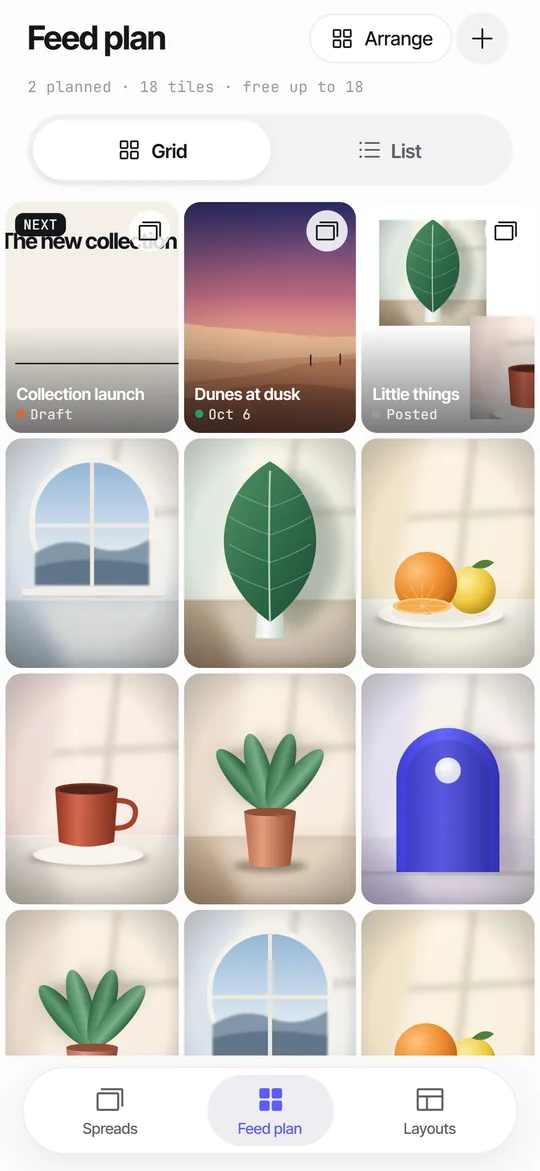 Feed Planner That Stays on Your iPhoneA local 3-column grid of planned covers and posted photos, with dates, status and captions.Feed Planner Without an Account or CloudWhat to look for in a local feed planner and how to plan 3:4 tiles on device.Photo Dump Ideas for Social Media, With Order and LayoutWhat to put in a photo dump, how many slides, the order that works and a panorama twist.
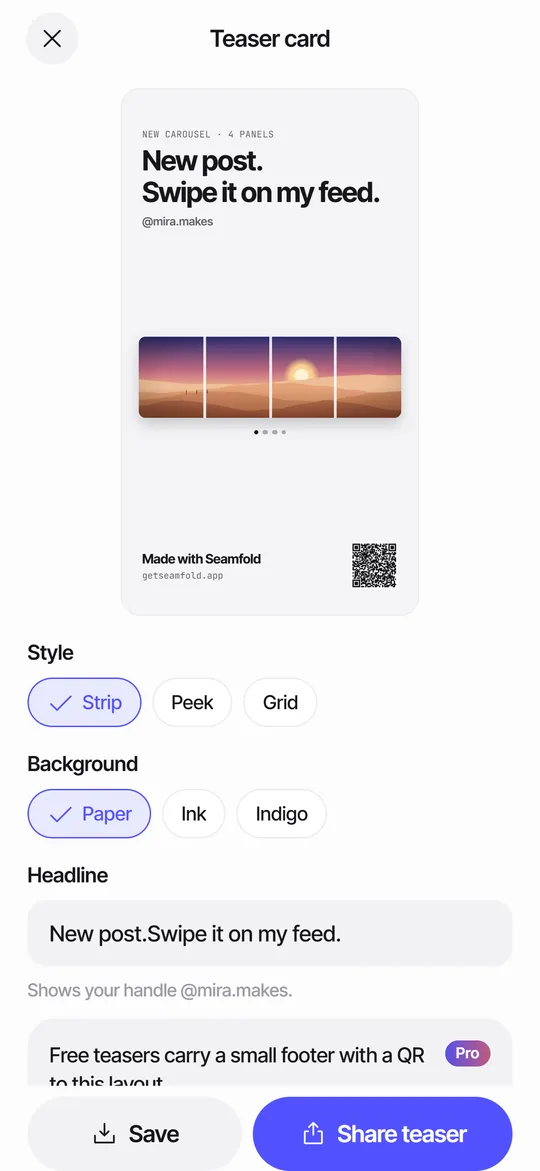 Story Teaser Card for Carousel PostsA 9:16 story card with the full spread, a headline and a QR code to the layout.Carousel Alt TextWhere the alt text field is, what to write for photos, panoramas and text slides, with examples.