 Seamfold
How to take a panorama on iPhone, wide or vertical
Open the Camera app, switch to Pano, tap the shutter and pan slowly so the arrow stays on the center line. Tap the shutter again to stop. Tap the arrow to pan the other way, or turn the phone to landscape for a vertical panorama. Then cut the result into carousel panels.
Coming soon to iPhone
How do you take a panorama on an iPhone?
The Camera app has a built-in panorama mode, described in Apple's guide to taking a panoramic photo. The labels in the mode strip move around between iOS versions, so if you do not see Pano next to Photo and Video, look under a More option in the mode list.
- Open Camera and choose Pano.
- Frame the left end of the scene. By default the arrow points right.
- Tap the shutter button and start turning your body, not just your wrists.
- Keep the arrow on the thin line in the middle of the screen.
- Move at a steady, slow pace until you have the whole scene.
- Tap the shutter again, or just run out of room, to finish.
How do you pan the other way?
Tap the arrow before you start. It flips the direction, so the capture goes right to left. This matters for two reasons. People with a dominant subject on one side can begin on the empty side and end on the subject. And if you plan to cut the photo for a swipe carousel, the first panel is the one that shows in the profile grid, so you can decide which end of the scene should open the post.
Can you take a vertical panorama?
Yes. Turn the phone to landscape, so the long edge runs left to right, then start the capture and pan upward or downward. Apple describes this in the same guide. The result is a tall strip, good for a waterfall, a building or a tree. For the social app it can work in two ways. You can leave it as one tall image in a story, or you can rotate your thinking and treat it as a wide picture, placing it across panels in a carousel on its side. Seamfold cuts horizontal strips only, so a vertical pano is best as a single image or a story.
Why does my panorama look wavy or broken?
Because the phone could not stitch frames that moved or tilted. Image stitching joins overlapping frames, and it needs a stable perspective and a steady pace. The usual faults and their fixes are in the table.
| What you see | Likely cause | What to do |
|---|---|---|
| Wavy horizon | The phone moved up and down while panning | Keep your elbows in, turn from the waist |
| Doubled or ghosted people | Subjects moved while the phone passed | Wait for traffic, pick a still scene |
| Visible step in the sky | Exposure changed during the capture | Avoid scenes with a bright sun on one side, or lock exposure |
| Stopped early with a message | You panned too fast or too slow | Retry at an even, slower speed |
| Stretched people at the edge | Wide angle distortion at the end of the sweep | Keep people in the middle of the scene |
What makes a good panorama for social media?
Choose a scene with a strong horizontal rhythm, such as a street, a skyline, a coast or a mountain range. Add something at the foreground, like a fence, a person or a cup of coffee, to give depth. Put the subject at about a third of the way in, following the rule of thirds. Keep faces away from the ends of the frame, because a carousel cut puts a fold there.
Light matters more than in a normal shot. Soft, even light such as an overcast sky avoids the exposure steps that wide scenes can show. Golden hour looks good, but check the result for a bright patch on one side.
How wide should the panorama be?
Wide enough for the number of panels you want, but not much more. A carousel panel is 1080 px wide in the 4:5 portrait, which is a ratio of 0.8:1, so the panorama has to be about 0.8 times its panel count in width-to-height ratio. Four panels at 4:5 want a photo about 3.2 times as wide as it is tall. A shorter scene gives fewer panels. If your panorama is only about twice as wide as tall, two or three panels is a safe choice.
Seamfold works this out for you. It takes the photo's shape, multiplies by the ratio factor and picks a panel count, which you can override between 2 and 20. The panorama splitter page shows the formula.
How do you cut an iPhone panorama into carousel panels?
The photo lives in your library like any other. Pick it with the photo picker in a splitter app, choose a ratio and a panel count, check the horizon across the folds, then save the panels in order. The full method, with sizes and a checklist, is in the guide to splitting a panorama for social media. In Seamfold the app uses the system photo picker, so it does not ask for access to your whole library.
What if the panorama is too narrow for the number of panels?
Use fewer panels, or add another photo. A layout such as Bridge places a photo on every fold, which adds interest without needing a wider source. Another option is to change the ratio to 1:1, which makes each panel shorter and the spread wider relative to its height, so the same photo yields more panels than it does at 3:4.
How do you hold the phone for the best result?
Hold it upright with both hands, elbows tucked into your sides. Plant your feet shoulder width apart and rotate your hips and shoulders together, like a security camera on a slow pivot. Do not walk while you pan, and do not lean. If the phone drifts up or down, the horizon in the final photo will curve, and no editor fixes that cleanly.
Switch on the grid in the camera settings if you like a visual guide. The grid lines help you see whether the horizon stays level while you move.
Should you use Pano mode or crop a normal photo?
It depends on the width you need. Pano mode captures a long strip with the full resolution of the sensor along its short side, so it is the way to get a truly wide image. Cropping a normal photo to a wide ratio throws away a lot of pixels, and a 3:1 crop of a standard photo leaves a strip about a third of its original height. For a carousel with four or more panels, Pano mode is almost always the better source. For two or three panels, a normal landscape photo cropped to the right shape can be enough.
Keep in mind the numbers from the carousel size guide: about 1080 px of source for every panel.
What about moving subjects?
Panoramas assume the world stands still. A person who walks through the scene may appear twice or in pieces. A moving car may be stretched. If you must have people in the scene, ask them to stay put for the few seconds the sweep needs, or pick a moment when the crowd is thin. For water and clouds the effect is usually harmless, since small changes blend without notice.
Panorama habits that save retakes
- Take two or three captures. The second one is often better than the first.
- Hold the phone upright and level, with the top edge pointing at the horizon.
- Take your finger off the screen as soon as you tap, so you do not shake the phone.
- Avoid zooming. Digital zoom lowers the pixel count you need later.
- Stand where nothing is very close to the lens, since close objects stitch badly.
- Review in Photos at full size before leaving the spot.
Frequently asked questions
Where is panorama mode on iPhone?
In the Camera app, in the mode strip beside Photo and Video. On some iOS versions it sits under a More option. The label is Pano.
How do I take a vertical panorama on iPhone?
Turn the phone to landscape, start the Pano capture and pan upward or downward. Apple documents this in its iPhone guide.
Can I take a panorama going left?
Yes. Tap the arrow before you start and the capture runs right to left.
Why does my iPhone panorama stop early?
The camera stops when you move too fast, too slow or tilt the phone. Pan evenly and keep the arrow on the center line.
How do I post an iPhone panorama on social media?
A panorama posted as one photo is cropped to the post ratio. To keep the full width, cut it into panels and post them as one carousel, with the slides in order.
Keep exploring
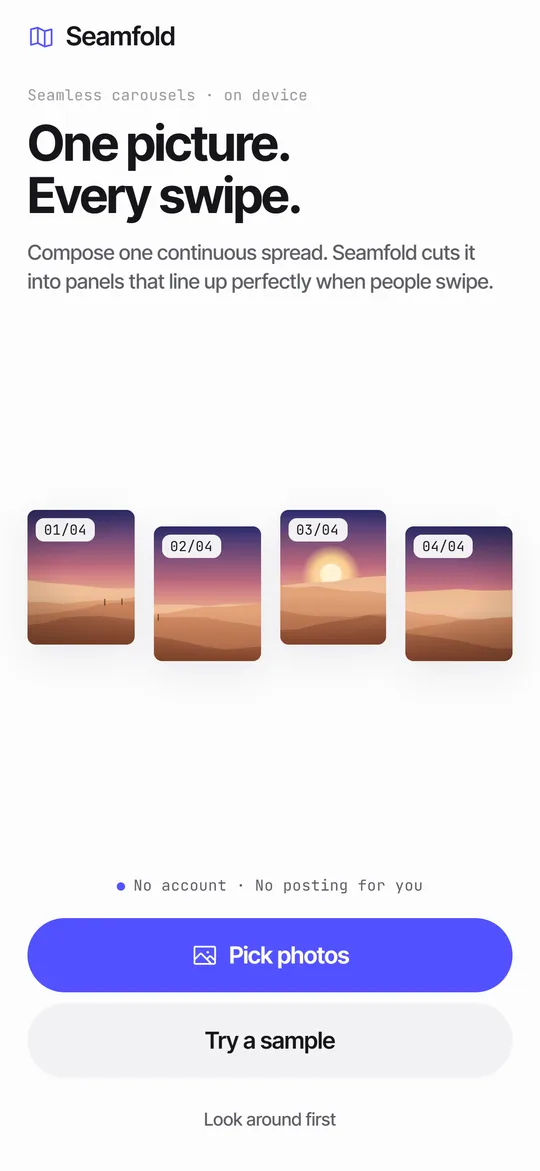 How to Split a Panorama for a Carousel, With SizesPanel counts, pixel widths and the steps to cut a panorama into a carousel.
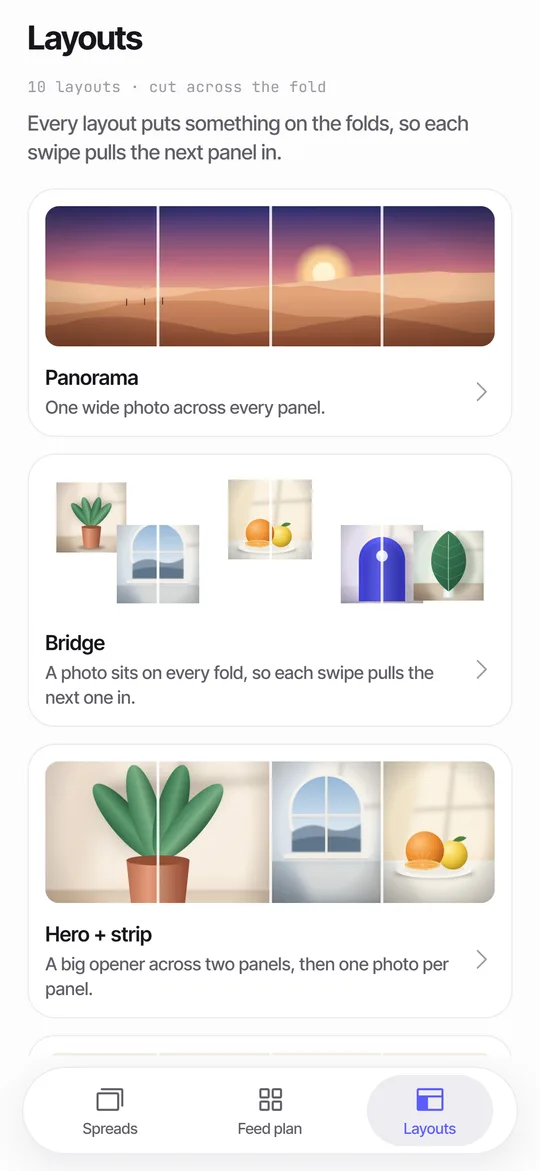 Panorama Splitter for Social Carousels on iPhoneCut a panorama into 2 to 20 panels, or build a spread from several photos with 10 layouts.Carousel SizeSizes for 4:5, 3:4 and square carousel panels, slide limits and how to choose.How to Make a Seamless Carousel on iPhoneFive steps from one wide picture to a swipe post whose panels line up.