 Seamfold
How many slides should a carousel have?
A carousel can hold up to 20 slides, but you should use as many as the idea needs. A panorama reads best in 3 to 6 slides, a how-to in 5 to 10 and a photo dump in 6 to 12. Each swipe asks the viewer to spend effort, so every slide must earn its place.
Coming soon to iPhone
What is the maximum number of slides?
Twenty. The social app raised the limit from 10 to 20 in 2024, and the carousel size guide gives the pixel sizes for each slide. The limit tells you what is possible, not what is good. Most carousels that people finish reading are far shorter than 20.
How many slides does each kind of post need?
The right count depends on how much each slide carries. A panorama is one picture, so more slices do not add information, only effort. A guide has one step per slide, so the count follows the steps.
| Post type | Slides that usually work | Why |
|---|---|---|
| Panorama or landscape | 3 to 6 | One picture, and each extra slice needs more source pixels |
| Step-by-step guide | 5 to 10 | One idea per slide, with a clear last slide |
| Photo dump | 6 to 12 | Variety is the point, but a long tail loses attention |
| Product or portfolio | 4 to 8 | Cover, details, close-up, call to action |
| Before and after | 2 to 4 | Short and visual |
| Story or essay | 8 to 15 | Text slides carry the narrative |
| Event recap | 6 to 10 | Best moments only |
Why do fewer slides often work better?
Every swipe is a decision. Viewers who get to slide 3 and still see value will continue, and viewers who see repetition leave. A shorter carousel has a higher share of viewers reaching the last slide, and the last slide is where you ask for a save, a follow or a click. This is a design principle rather than a published statistic, so test it on your own account instead of trusting a magic number.
There is also a practical side. A seamless panorama is limited by the source photo. At 1080 px per slide, 4 slides need about 4,320 px of width, and 10 slides need 10,800 px, which most phone photos cannot provide without looking soft.
When do more slides make sense?
Use more slides when the content is naturally a sequence and each slide teaches or shows something new. A recipe with eight steps, a travel day with ten moments or a case study with a before, a process and results all need the room. In these cases, keep each slide to one idea, repeat the same layout so people learn the pattern, and make the last slide worth reaching.
How do you decide the number for your own post?
- Write the point of the post in one sentence.
- List the pieces of evidence or steps that support it.
- Cut any piece that repeats another one.
- Count what is left. That is your first guess.
- Round to the nearest slide count that fits the picture, for example 4 for a panorama.
- Check the last slide. If it only says goodbye, drop it or give it a job.
Does slide count affect the panorama size?
Yes, directly. A seamless spread is the panel width times the slide count, so 3 slides at 1080 px make a 3,240 px wide image and 6 slides make 6,480 px. Seamfold picks a count for a panorama from its shape and lets you set it between 2 and 20, with free spreads limited to 4 panels. The panorama splitter page explains the Auto rule. When the photo wants more panels than it can support, use fewer and slide the photo inside the frame to choose what shows.
Should the first and last slides be special?
Yes. The first slide has to work as a cover in the feed and in the 3:4 profile grid. The last slide should close the thought: an answer, a final image or a prompt to save or share. In a panorama, the last slide is often just the end of the picture, which is fine, but a small closing detail makes the swipe feel complete.
How do you test your slide count?
Post two similar carousels with different lengths, a few weeks apart, and compare saves, shares and reach in the social app's insights. One test proves little, but a pattern over six or eight posts tells you what your audience finishes. Keep everything else similar, including the posting time and the style, so you are comparing the count and not the topic.
What do slide counts look like for real posts?
Here are four concrete examples. A single panorama of a harbor works at 4 slides: the water continues across, and the last slide ends with the lighthouse. A guide on setting up a camera needs 7: a cover, five steps and a closing tip. A weekend photo dump runs to 9: cover, six varied pictures, a funny frame and a closing sunset. A before and after of a room needs just 2, because adding more would only repeat what the viewer already sees.
In each case the count came from the content, not from a target number. If you start from a number, you end up padding.
What about carousels that need text?
Slides with text ask more of the viewer than photo slides, since they must read. That argues for fewer words per slide rather than more slides. Keep each text slide to one sentence or one idea, around 20 to 30 words at most, and make the type big enough to read at a glance, about 100 px for the headline of a 1080 px slide. If you find yourself writing paragraphs, move the detail into the caption, which holds up to 2,200 characters.
How does slide count change the export?
More slides mean more files, and the order matters more. A 4-panel spread gives four files in Photos. A 10-panel spread gives ten. Seamfold saves them in order with panel 1 first, so in the composer you tap them from the first to the last. The free plan stops at 4 panels and Pro raises the limit to 20, which is the same as the social app's ceiling. A swipe test before the export confirms that the counter, such as 1/4, matches what you intended.
Quick rules of thumb
- Use the smallest number of slides that tells the story.
- Do not pad a panorama with extra slices.
- Keep the same ratio on every slide.
- Give the last slide a job.
- Check the swipe once from start to end before posting.
Frequently asked questions
How many slides can a carousel have?
Up to 20, since the 2024 increase from 10.
What is the best number of slides for a panorama carousel?
Three to six. More slices need a bigger source photo to stay sharp.
Is a longer carousel better for reach?
Not automatically. Length helps only if each slide adds value. Test it on your own account with saves and shares.
How many slides should a photo dump have?
Six to twelve works for most. The first three decide whether people keep swiping.
How many panels can Seamfold make?
From 2 to 20 per spread, with the free plan limited to 4 panels. The app is in development.
Keep exploring
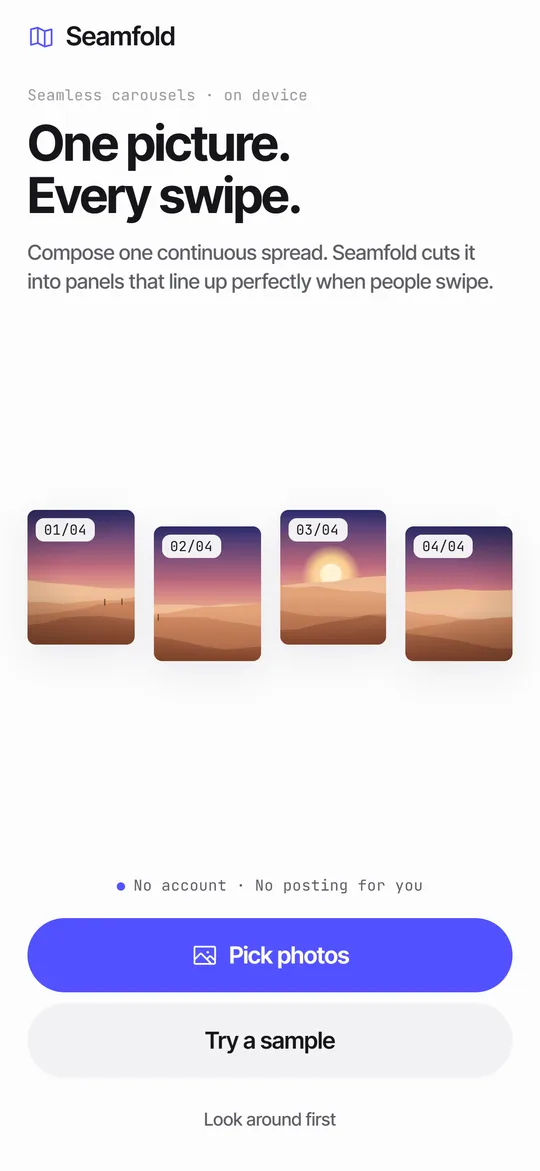 How to Split a Panorama for a Carousel, With SizesPanel counts, pixel widths and the steps to cut a panorama into a carousel.
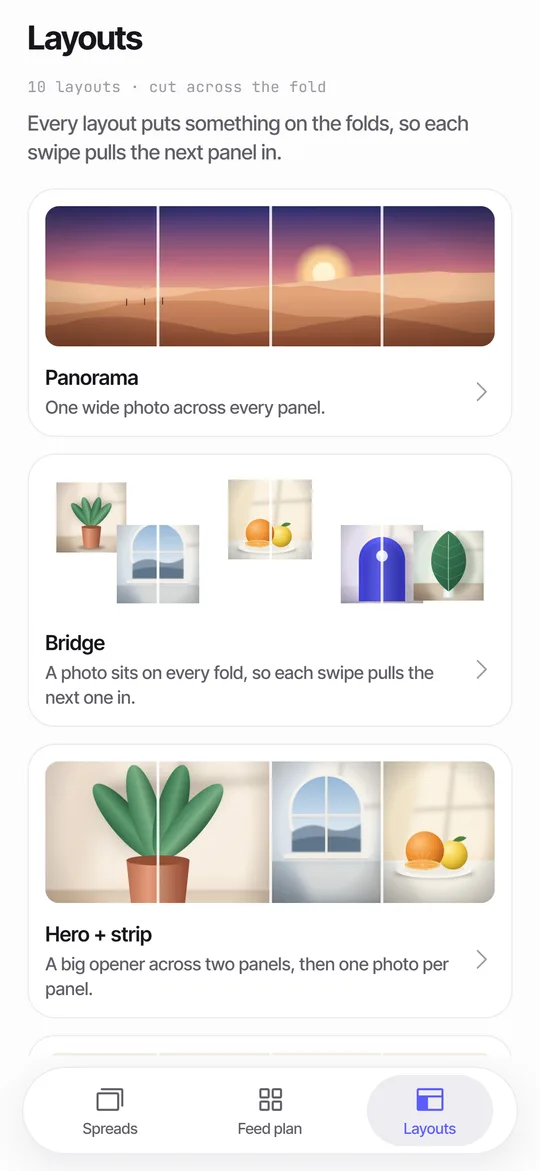 Panorama Splitter for Social Carousels on iPhoneCut a panorama into 2 to 20 panels, or build a spread from several photos with 10 layouts.How to Add Music to a Carousel PostWhere to find Add music for carousels, how the clip works, why it can be missing and how to choose.Text Across Carousel SlidesSafe margins, type sizes and a fold check for text that runs across carousel slides.