 Seamfold
How to add music to a carousel
When you create a photo carousel, your social app may offer an Add music option on the screen after you pick the photos. Choose a song and a clip of it, then share. The track plays across the whole carousel as people swipe. Availability depends on your account type, region and app version.
Coming soon to iPhone
Can you add music to a carousel?
Yes, in versions of the social app that support it. Music for photo posts was added to carousels in 2023 and it works as one track for the whole post: the song starts when the viewer opens the carousel and plays while they swipe. Because the feature depends on your account, country and app version, the option may be missing for you. The help pages of the app you post to list the current rules.
How do you add the song?
- Start a new post and select your photos in order.
- Tap Next until you reach the screen with the editing tools and the caption.
- Look for Add music, usually shown as a music note icon.
- Search for a song or browse the suggestions.
- Choose which part of the song to play, using the clip selector.
- Tap Done, write the caption and share.
How long is the clip?
The picker lets you choose a short segment of the song, and the length is limited. The limit has changed between versions, so use the selector on screen as the guide. Pick the part of the song that fits the mood of the first slide, since many viewers hear only the first seconds. A track with a clear beat or an instrumental section works better than a song with a long quiet intro.
Why can't I see the Add music button?
| Cause | What to do |
|---|---|
| Old app version | Update the social app from the App Store |
| Business account | Business accounts have a smaller library of licensed music. Switch to a creator or personal account if you need the full library |
| Region | Some countries do not have the feature. Check the Help Center |
| Post contains a video | Music works on photo carousels. Videos have their own audio |
| Account type or age limits | Some accounts have restrictions |
| Temporary glitch | Restart the app and try again |
How do you pick a good track?
Match the pace of the swipe. A panorama carousel is a slow, even motion, so a steady, calm track suits it. A photo dump from a party can take something with energy. Keep the volume in mind: viewers who watch in public have the sound off, so the post must work without music. If the song is the point, say so in the caption or in the first slide.
Avoid trying to make the music line up with each slide. Viewers swipe at their own speed, and the track keeps going while they do.
Can you change the song after posting?
In most versions you can edit the post and change or remove the music, but this depends on the version. Look at the edit screen for the post. If the option is not there, delete the song-less version and repost, or live with it. The guide to the order of slides lists other things that are fixed once a post is live.
Does music change the look of the slides?
No, but it changes how viewers experience the swipe. A continuous carousel already has a sense of motion, and a track adds rhythm to it. Keep your design the same: the panels, the folds and the cover still need care. The cover check and the swipe test in Seamfold help you judge the visuals before you add sound.
What about copyright?
Music in the social app's own library is licensed for use inside the app. If you add your own audio from another source, you may break the platform's rules or copyright law. The simplest approach is to use the library inside the social app. Business accounts have a narrower library for this reason, and some songs are available only for personal accounts. For background on how rights work in general, see the copyright article on Wikipedia.
What mood does each carousel need?
Think about the job of the post before you search for a song. A calm landscape panorama wants an ambient or acoustic track with no sudden changes. A packed photo dump from a night out wants a track with a clear beat that matches the energy. A guide or tutorial often works better without music, because the viewer needs to read, and a busy track competes with the text. When you are unsure, choose the quieter option. Music that fades into the background does less harm than music that fights the content.
How does music change the way people swipe?
A track sets a tempo, and viewers often swipe in time with it. A slow song invites a slow swipe, which suits a panorama, where the picture is meant to be savored. A fast song invites quick taps, which suits a set of short, punchy slides. This is a tendency you can use. If the slides are dense, pick something slow to buy yourself more seconds per slide. If they are light, a quick track keeps the swipe moving.
Test the effect on your own phone. Play the carousel with the sound on, swipe at the pace the music suggests and decide whether it feels natural or rushed.
What if the song you want is not available?
Songs differ by country, account type and licensing. Search for a similar track by mood and tempo, or look at the suggestions the social app shows for the same photos. Some creators also use the social app's audio saved from a short video they liked. Whatever you pick, stay inside the app's library. If you do not find anything that fits, post without music and add a line in the caption naming the song people can play on their own.
How do you test the carousel with sound?
Before you share, play the preview with the sound on and swipe through at the pace of a normal viewer. Listen for a spot where the clip jumps or repeats, and check that the first second of the track does not clash with the first slide. Then turn the sound off and swipe again. The post must hold up in both modes, because plenty of people watch in quiet places. Fix the slide text first, since words are the only thing a muted viewer gets.
Is music worth the effort for a panorama?
Sometimes. A panorama is a quiet format, and a gentle track can add a sense of place. But the picture is the point, so do not let the song steal the first seconds. If the viewer is startled by volume, they swipe away. Choose a soft opening and keep the track's loudness steady.
Quick checklist
- The app is up to date.
- Your account type has the music library you want.
- The clip fits the mood of the first slide.
- The post still works with the sound off.
- You tested the swipe with the track in place.
- The caption does not depend on the music.
Frequently asked questions
Can I add music to a photo carousel?
Yes, in versions that support it. Look for Add music on the screen after you select photos.
Why is Add music missing for my carousel?
Common causes are an old app version, a business account, your region or a post that includes video.
Does the music change per slide?
No. One track plays across the whole carousel.
Can I add my own audio file?
Use the library in the social app to stay within its rules. Outside audio can break the platform rules or copyright law.
Does Seamfold add music?
No. Seamfold makes the panels, the checks and the teaser card. You add music in the social app when you post. It is in development.
Keep exploring
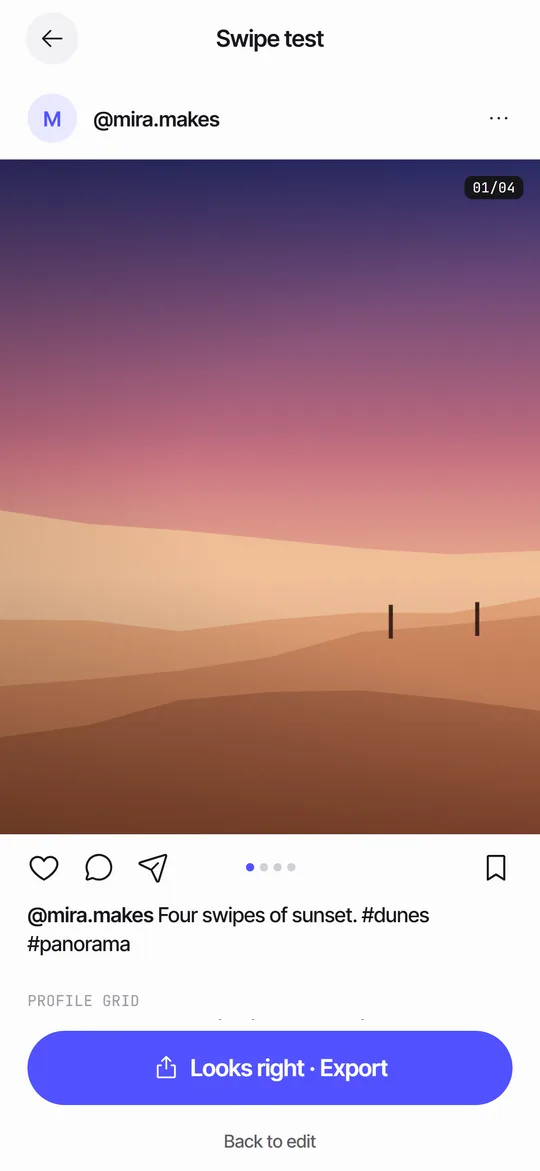 Swipe TestPage through your panels in a post frame and see the cover in a 3:4 grid.Can You Change Carousel Order After Posting?How to reorder carousel slides before posting, what is locked afterward and the safest fixes.How to Make a Seamless Carousel on iPhoneFive steps from one wide picture to a swipe post whose panels line up.How to Select Multiple Photos for a Post on iPhoneStep-by-step multi-select, ordering, the 20-photo limit and fixes for common problems.